
You can copy a program from one character to another by dragging the program from the programming area to the character in the list on the left.
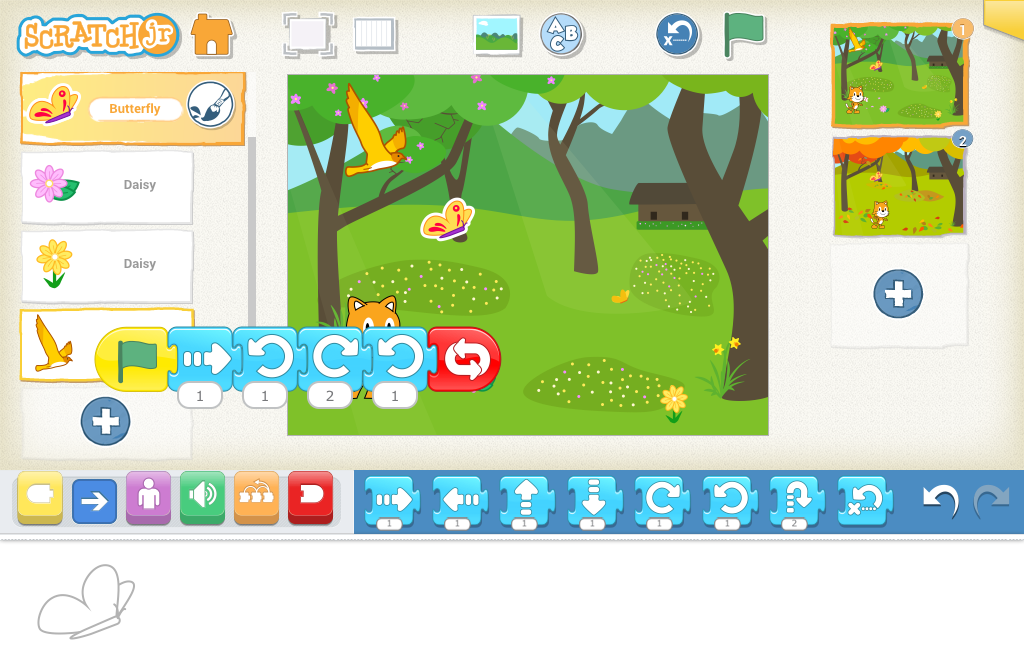
But you can also duplicate a program in a single programming area if you drag the program to the same character the program belongs to in the character list.
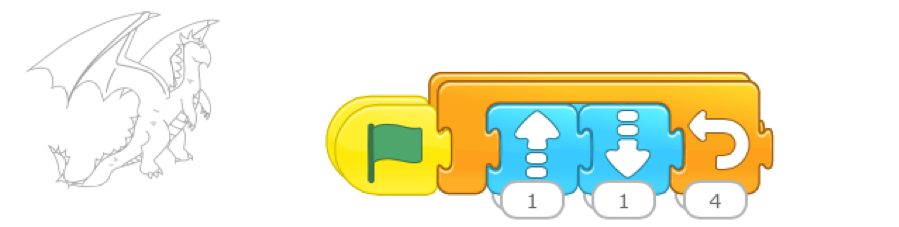
The copy will appear on top of the original program, but slightly offset. Just drag it over to one side to see both copies.
The only thing that can’t be copied from one character to another is a recorded sound. If a program has a recorded sound, the sound will be replaced by the Pop sound in the copied program. You can copy sounds for the same character though, so the recorded sound will duplicate itself in the duplicated program.