
Animating Characters
Make a simple script by connecting blocks together.
Multiple Characters
Learn how to add characters to your project.
Start/Trigger Blocks
Use trigger blocks to specify when a script should run
Sharing ScratchJr Projects
You can share projects by email. On iPads you can also share project by AirDrop.
Sample Projects
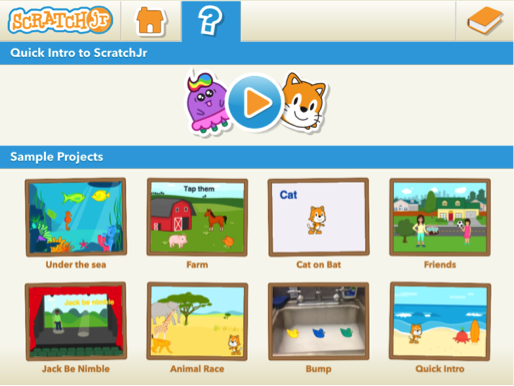
The Sample Projects library is a collection of eight pre-made projects that use a range of blocks and features to show you the variety of projects you can make with ScratchJr.
Character Scrolling
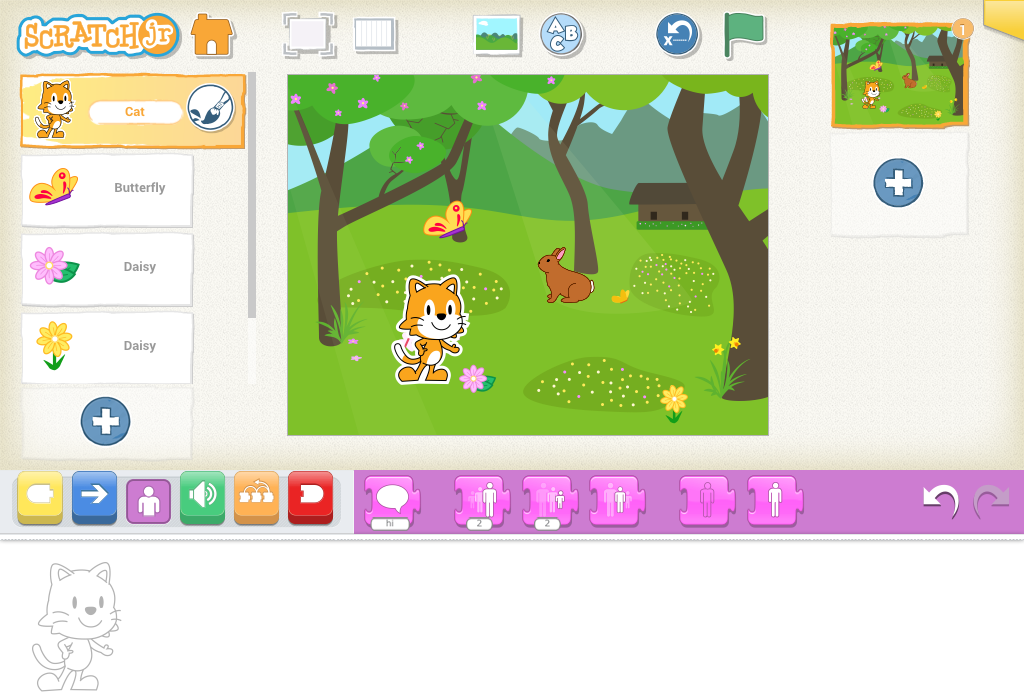
If there’s a scroll bar in the Character List on the left of the Stage it means you that you have more characters in your project than fit in the list on the screen. You can scroll through this list of characters by swiping up or down on the list, but not on the scroll bar. The order of the characters doesn’t matter for any of the action in the project
Copying Programs
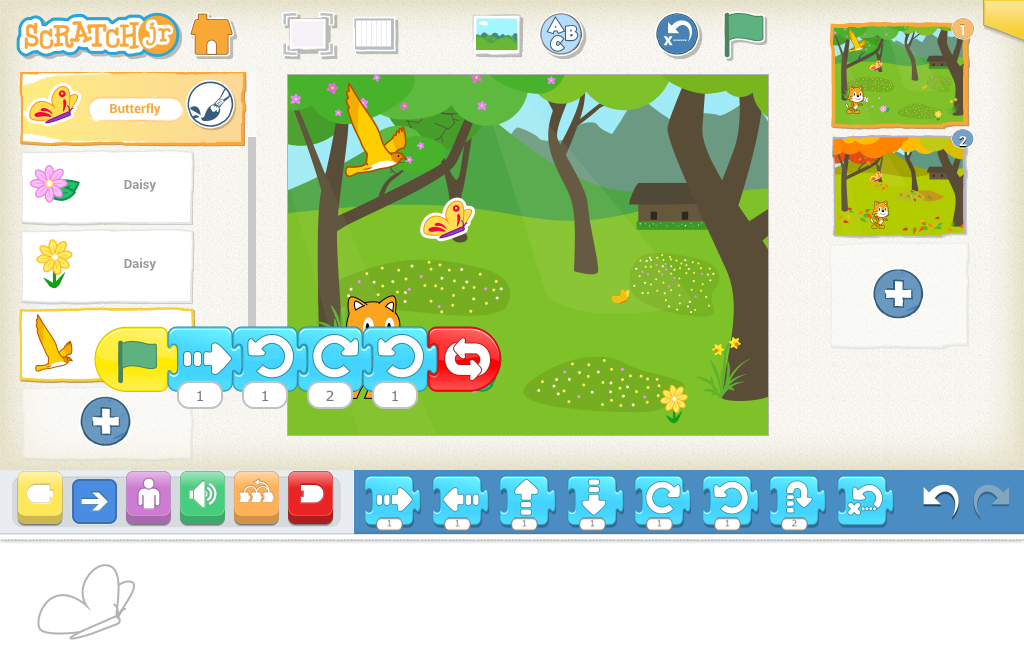
You can copy a script (set of blocks) from one character to another in the same project.
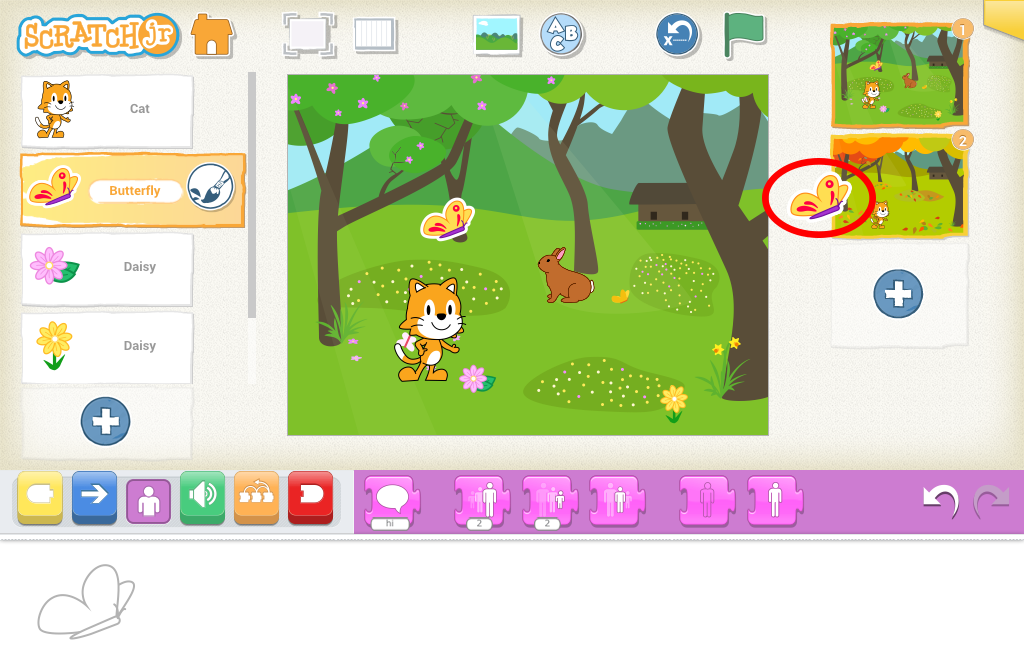
Copying Characters
To copy a character and its scripts, you can drag the character from the list of characters on the left over to the list of pages on the right. This will work for copying characters to the same page and to other pages. The scripts and sounds will copy along with the character, but then the scripts are separate, so when you change the scripts or sounds of one of the copies, it won’t affect the other existing copies of the character.
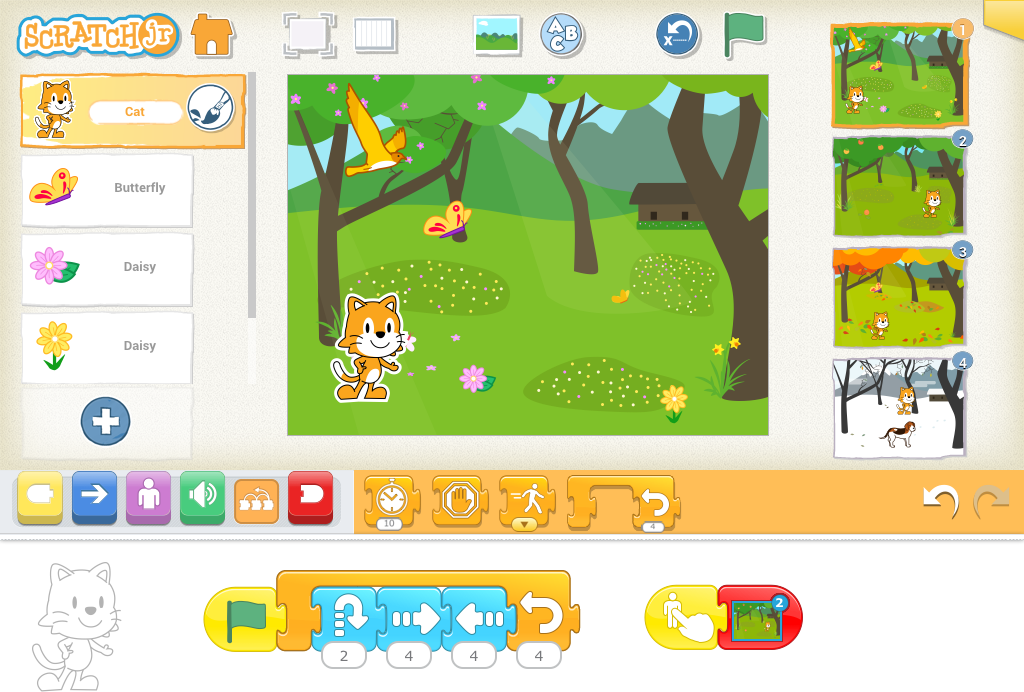
Multi-page Projects
Projects can have up to four pages with their own characters and scripts.
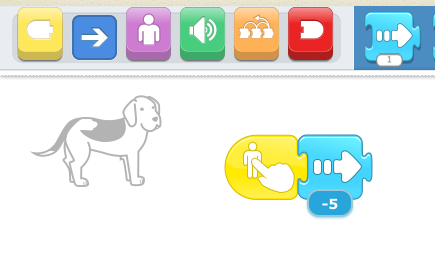
Moving Backwards
You can make a character move backwards by giving your motion blocks negative numbers. If you want to make your character face the opposite direction without moving forward or backward, add a motion block with a zero and tap on it.