
Download PDF of Block Guide here

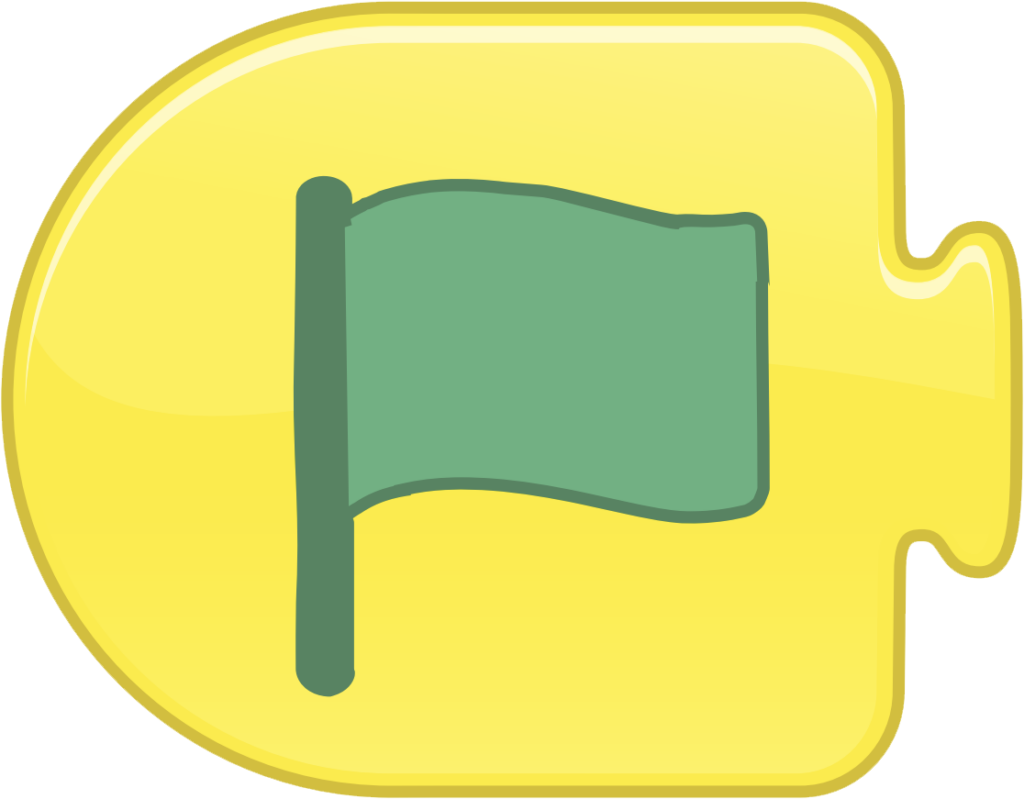
Start on Flag
Starts the program when the Green Flag is tapped.
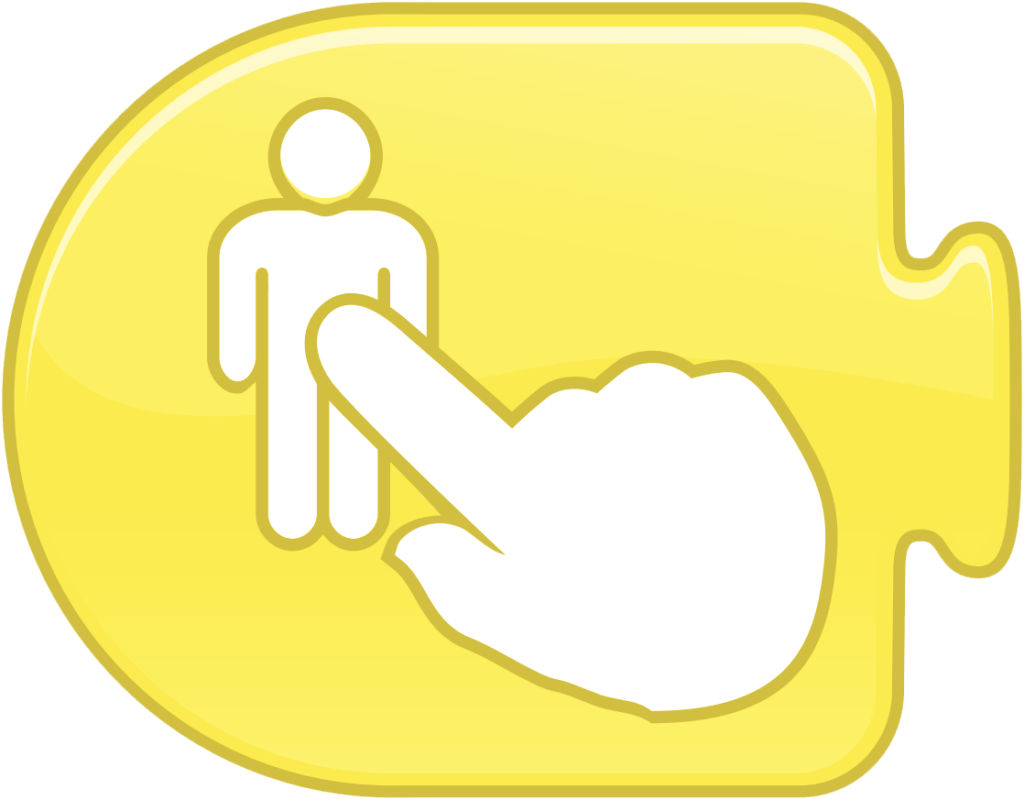
Start on Tap
Starts the program when you tap on the character.
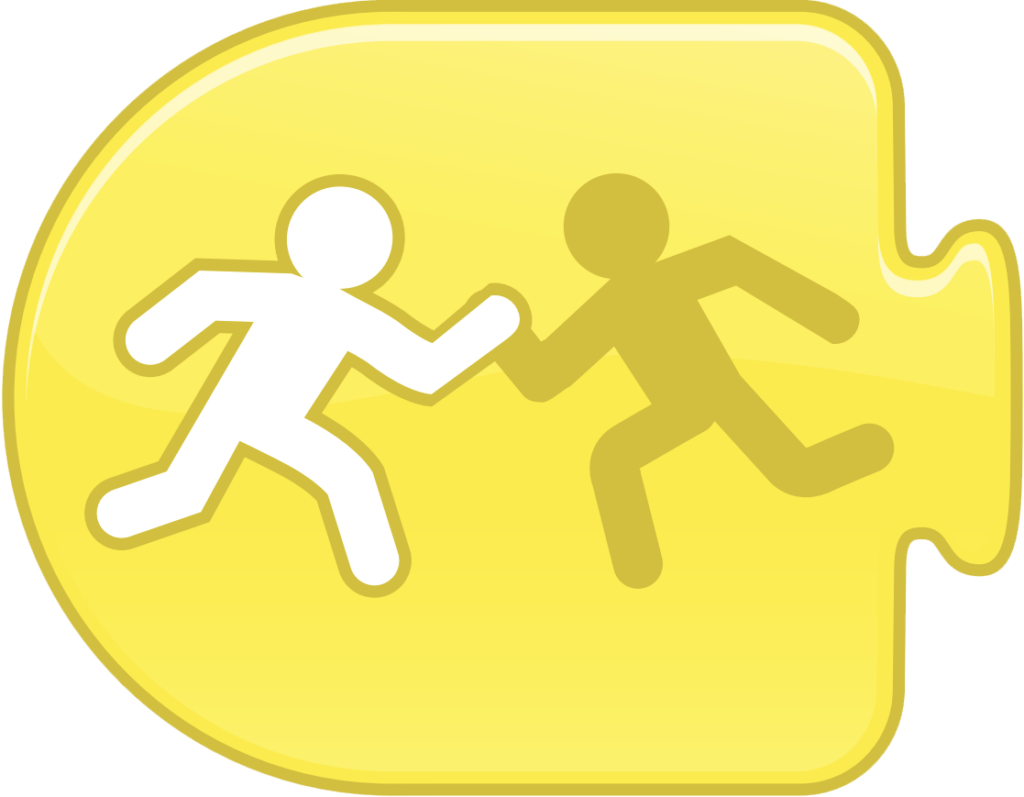
Start on Bump
Starts the program when the character is touched by another character

Start on Message
Starts the program whenever a message of the specified color is sent.
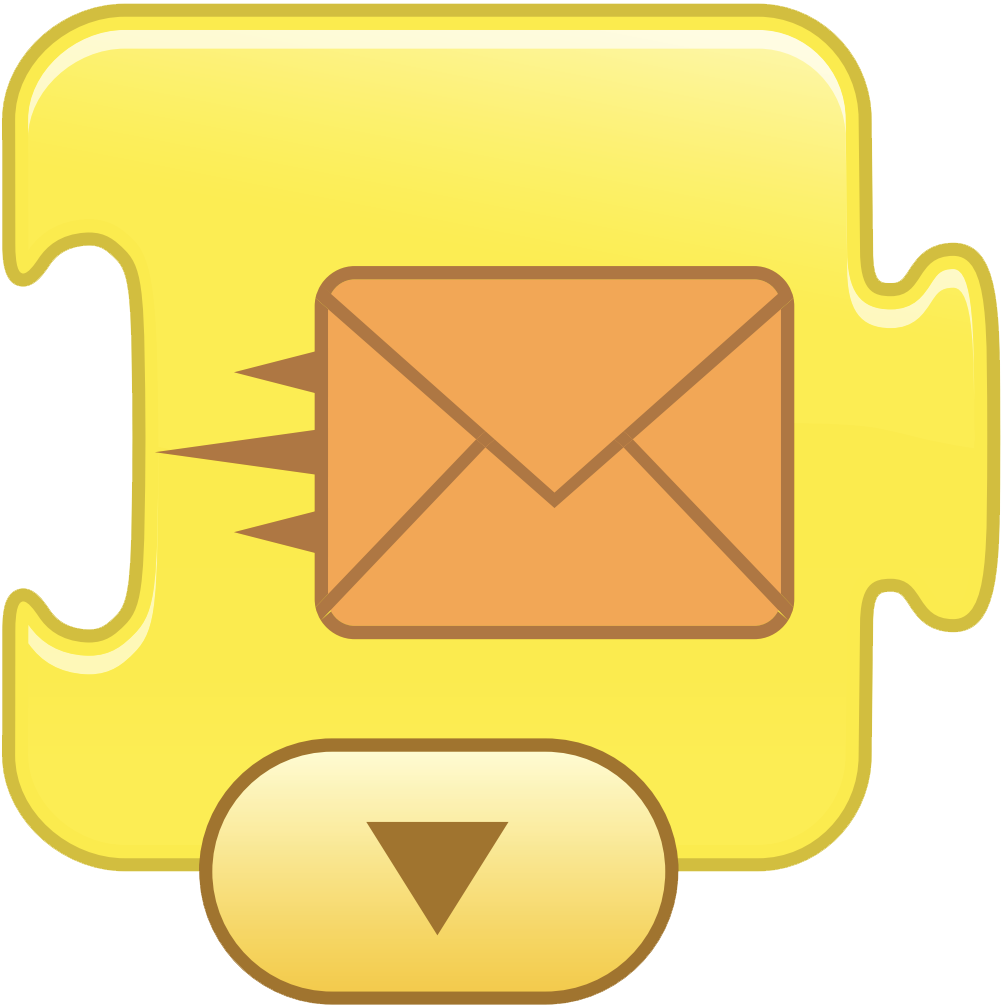
Send Message
Sends a message of the specified color.

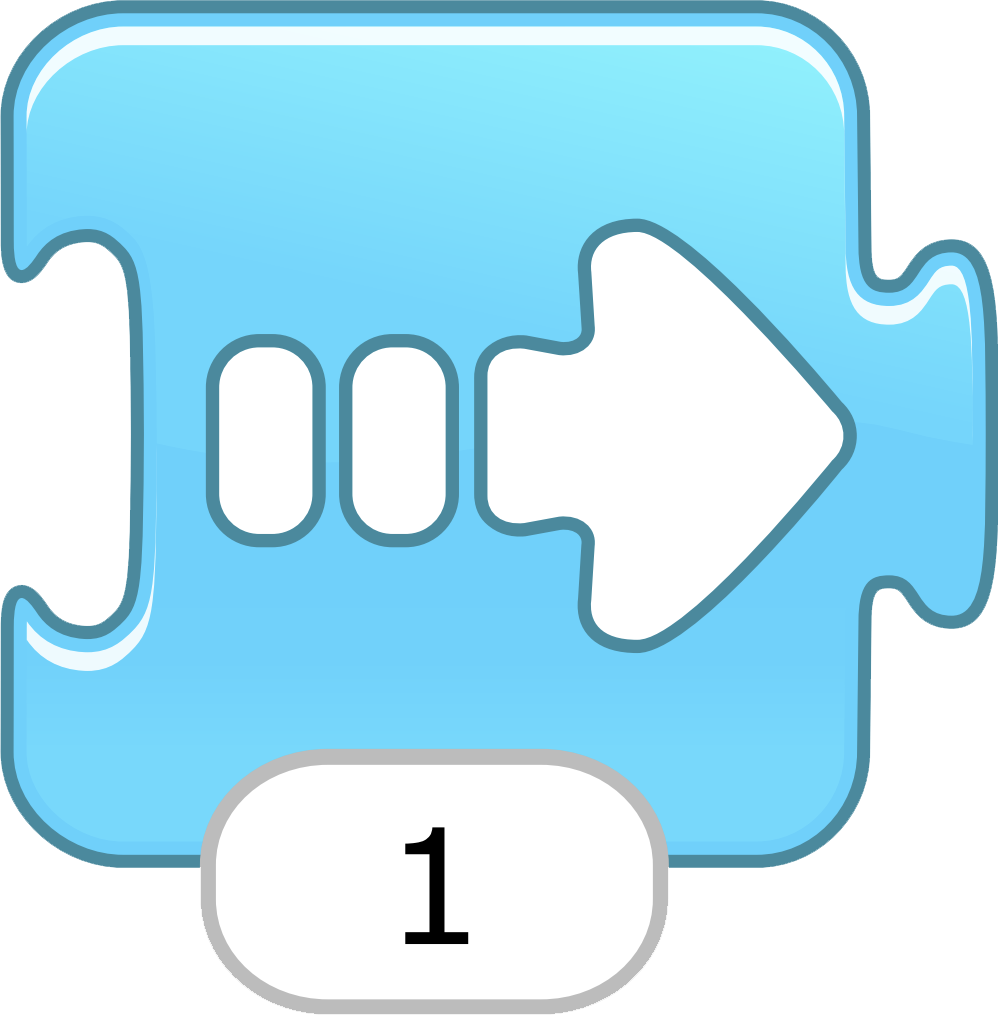
Move Right
Moves the character a specified number of grid squares to the right.
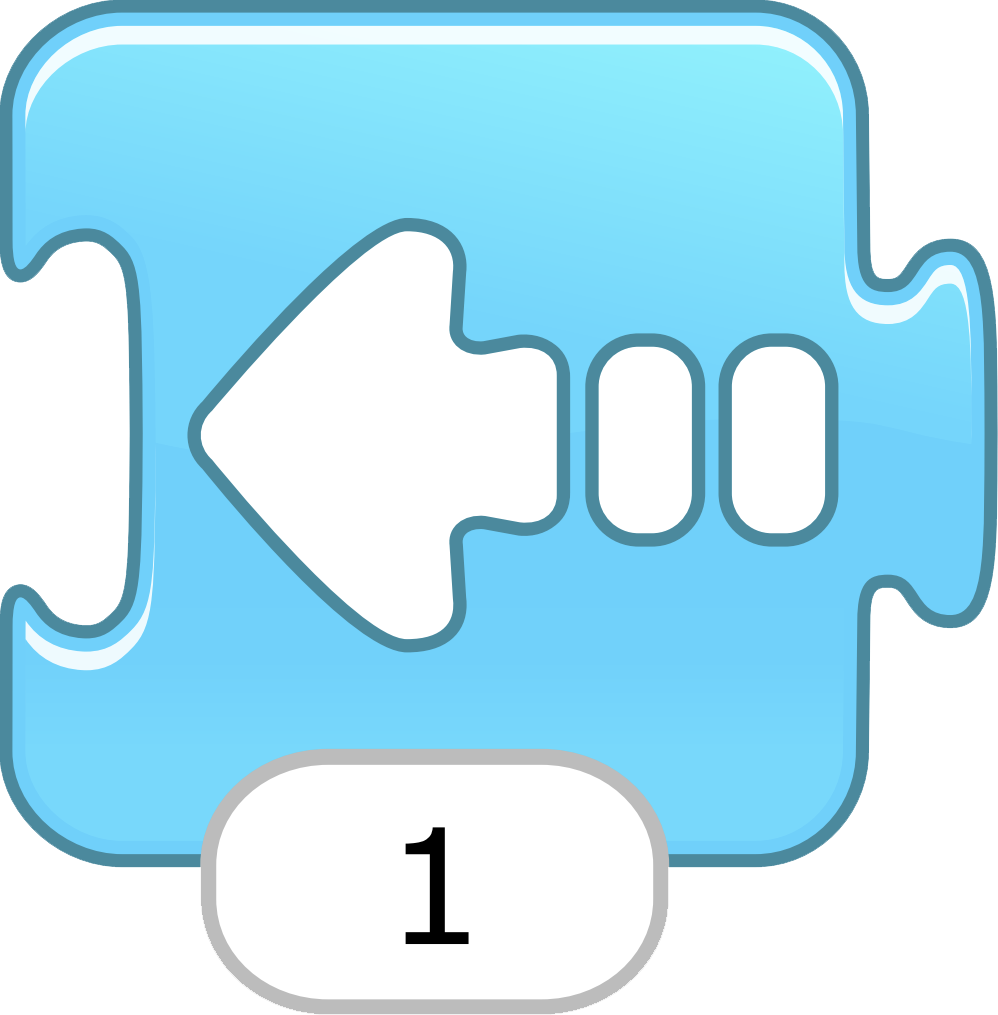
Move Left
Moves the character a specified number of grid squares to the left.
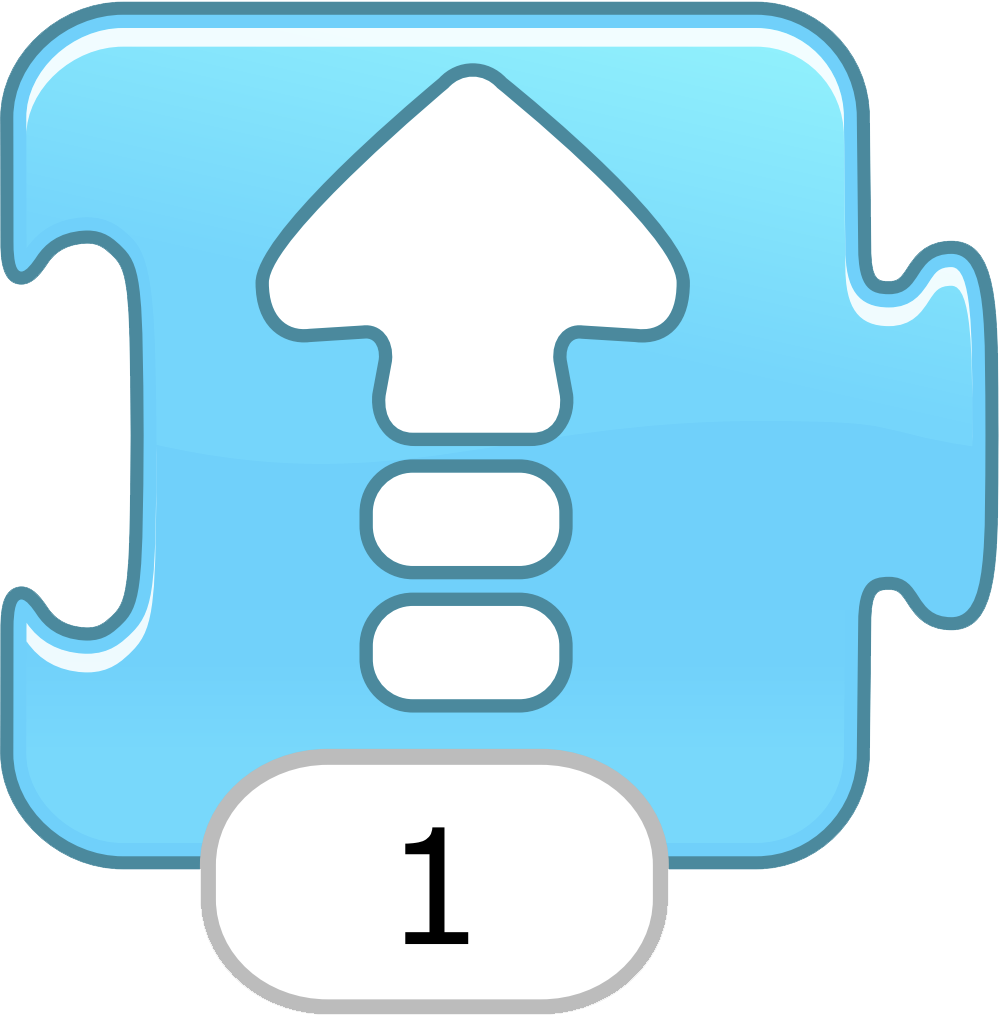
Move Up
Moves the character a specified number of grid squares up.
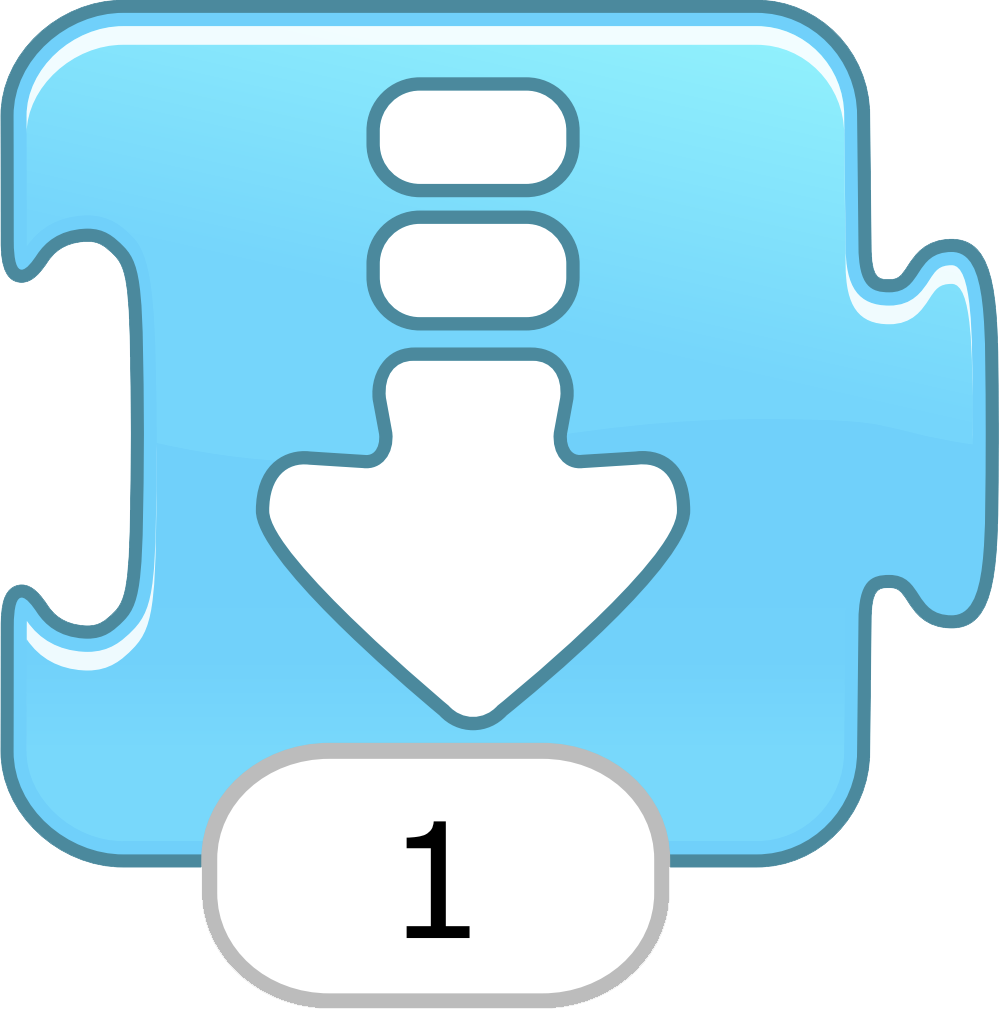
Move Down
Moves the character a specified number of grid squares down.
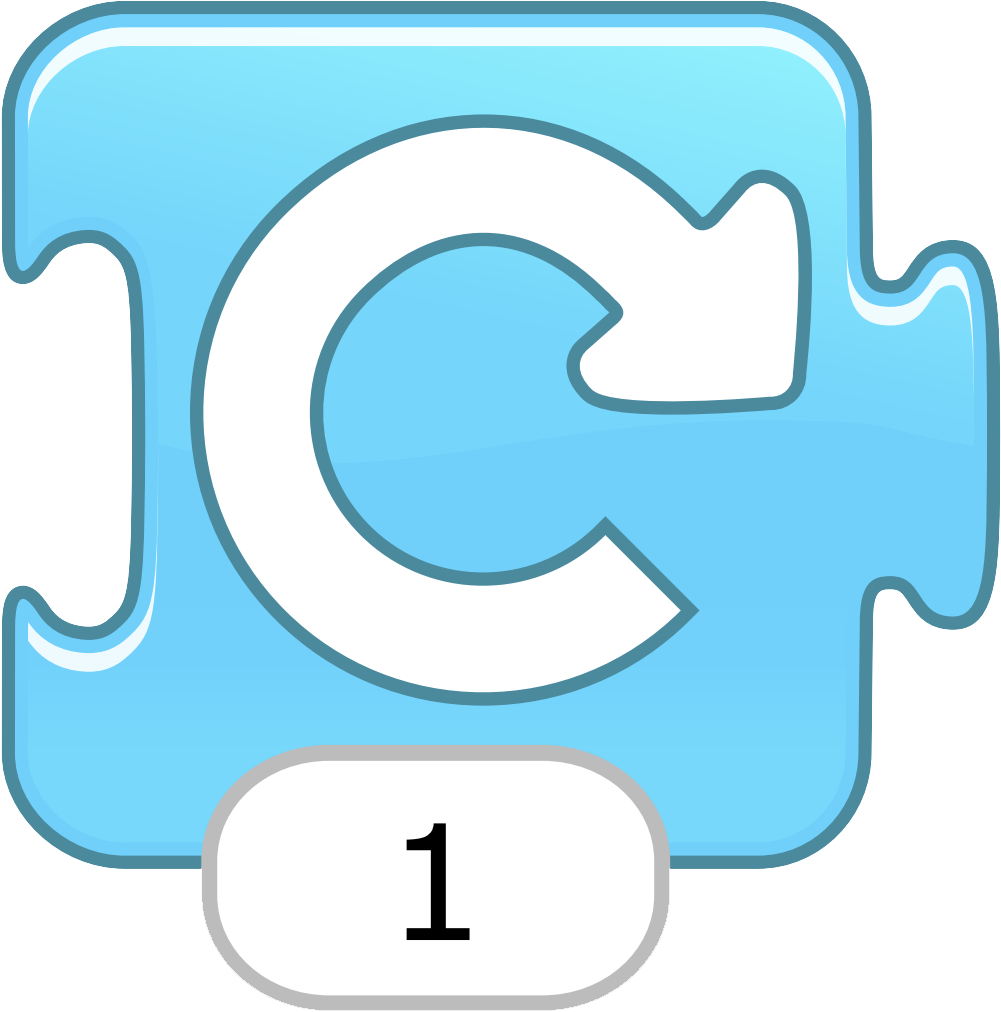
Turn Right
Rotates the character clockwise a specified amount. Turn 12 for a full rotation.
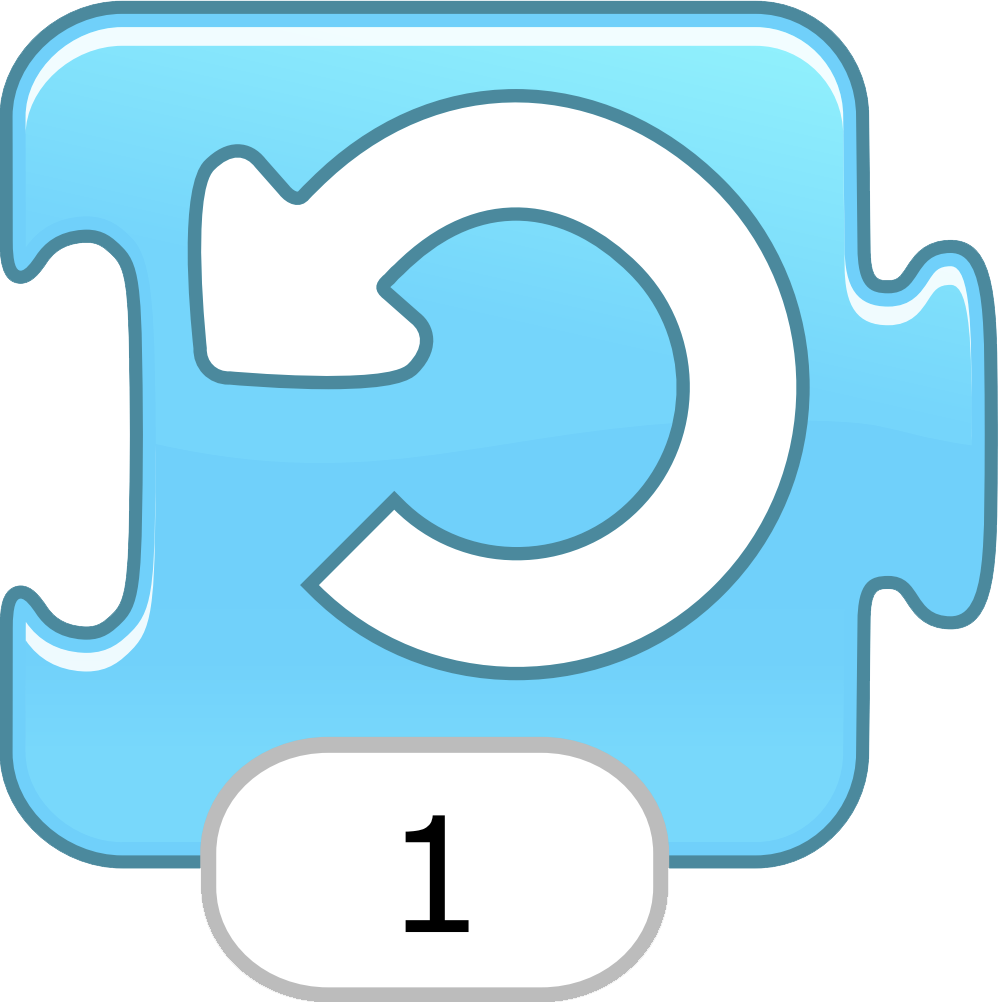
Turn Left
Rotates the character counterclockwise a specified amount. Turn 12 for a full rotation.
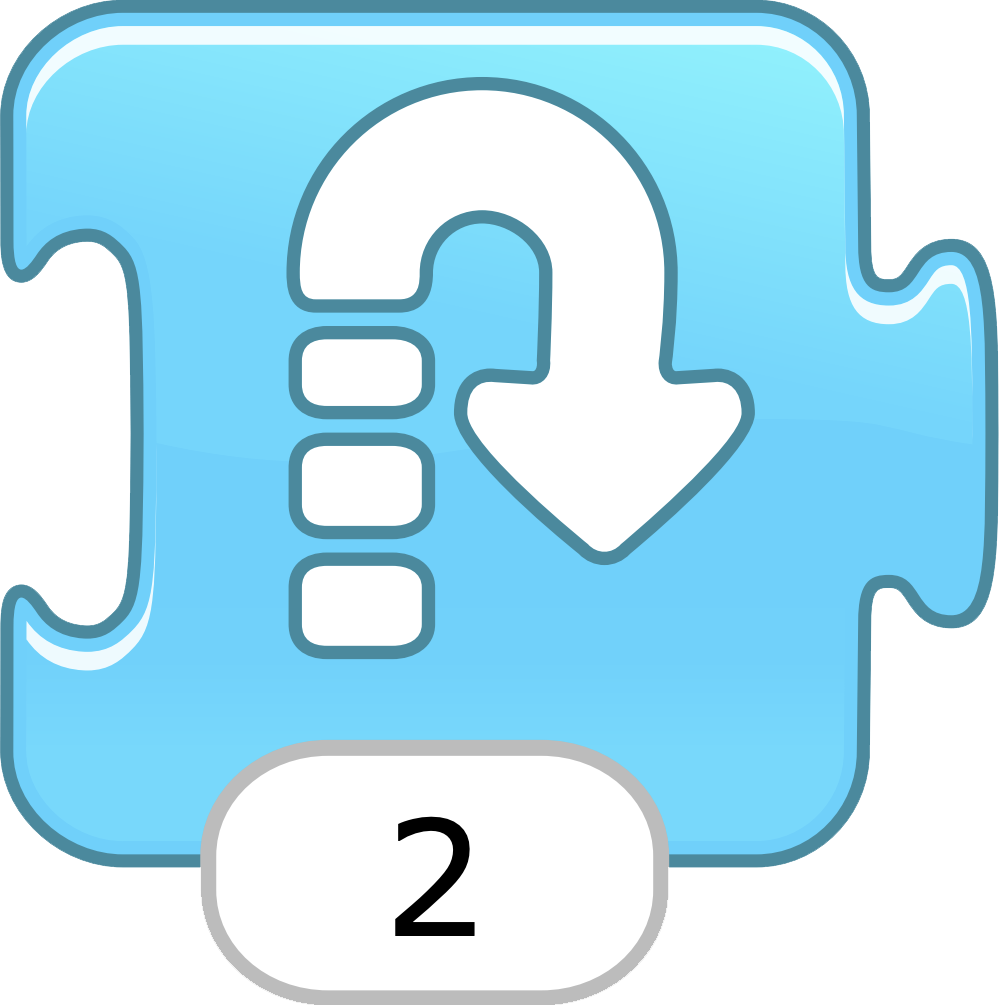
Hop
Moves the character up a specified number of grid squares and then down again.
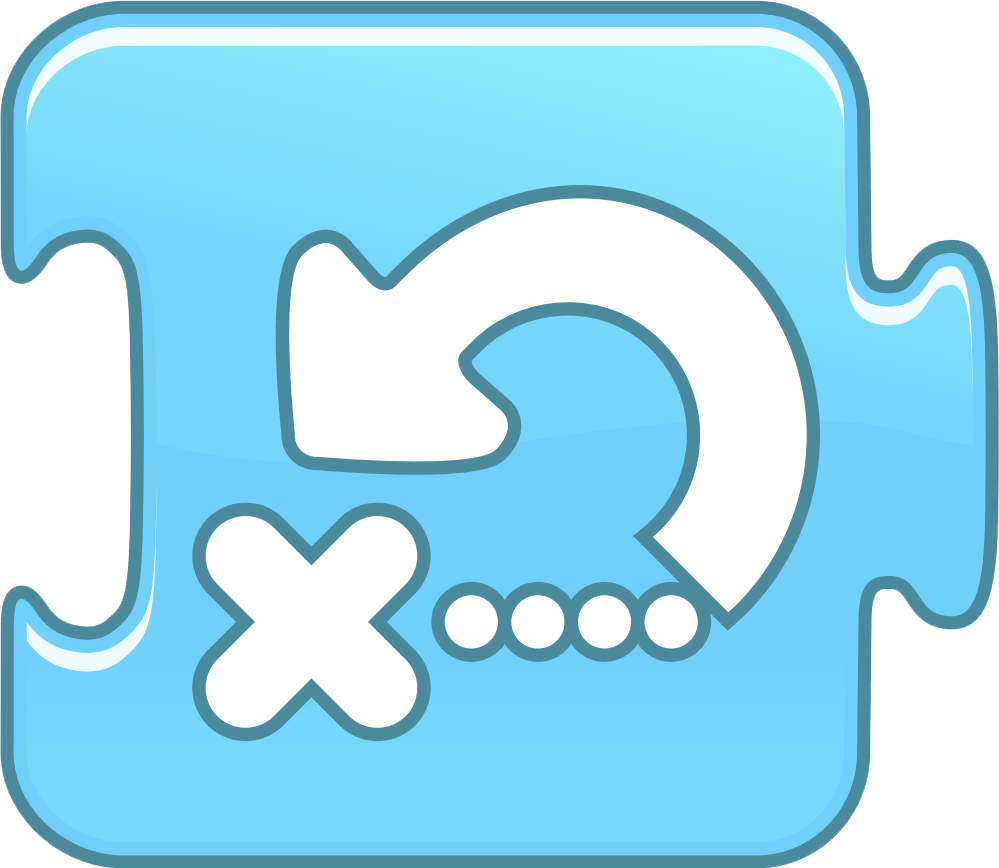
Go Home
Resets the character’s location to its starting position. (To set a new starting position, drag the character to the location.)

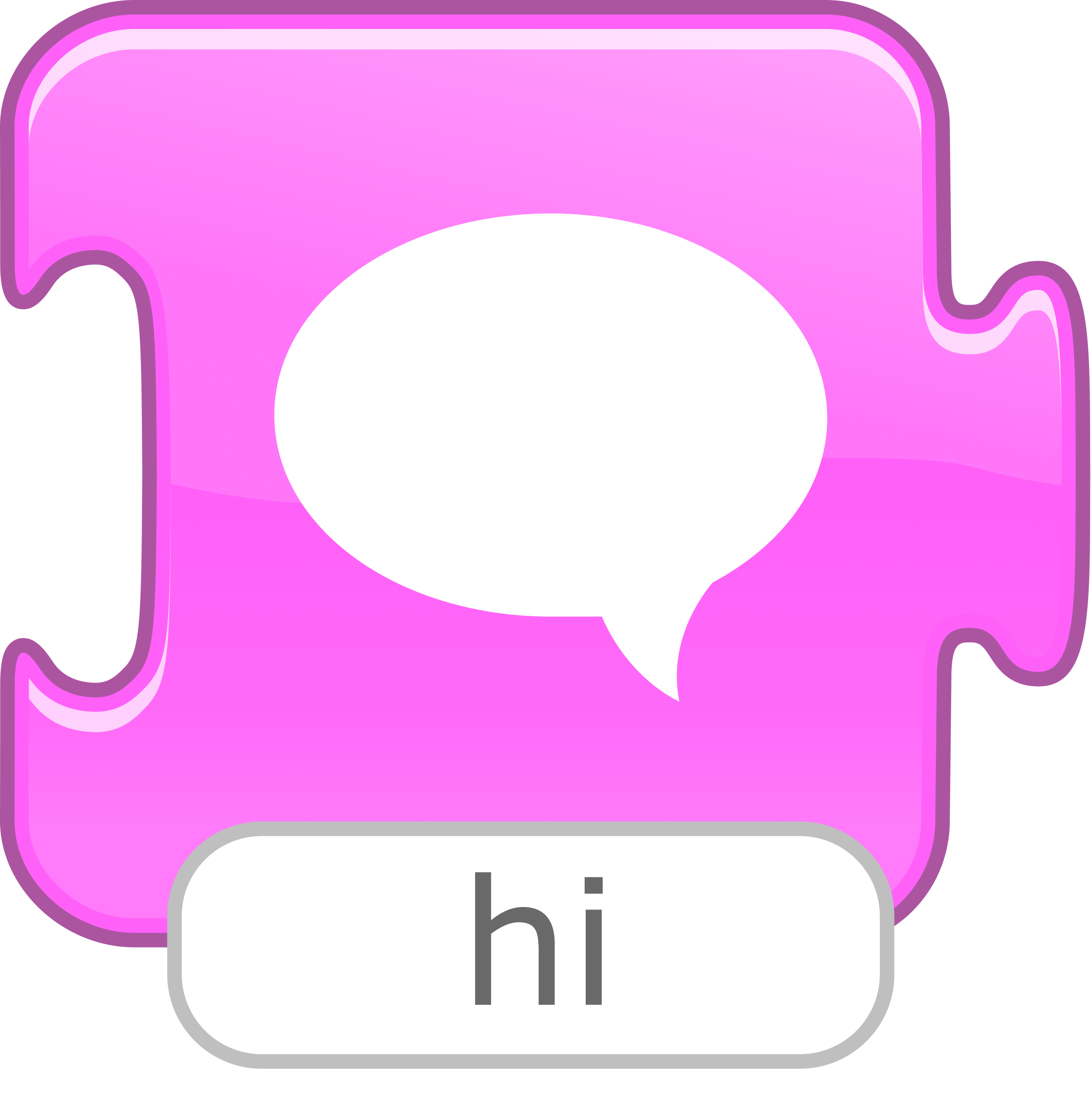
Say Hi
Shows a specified message in a speech bubble above the character.
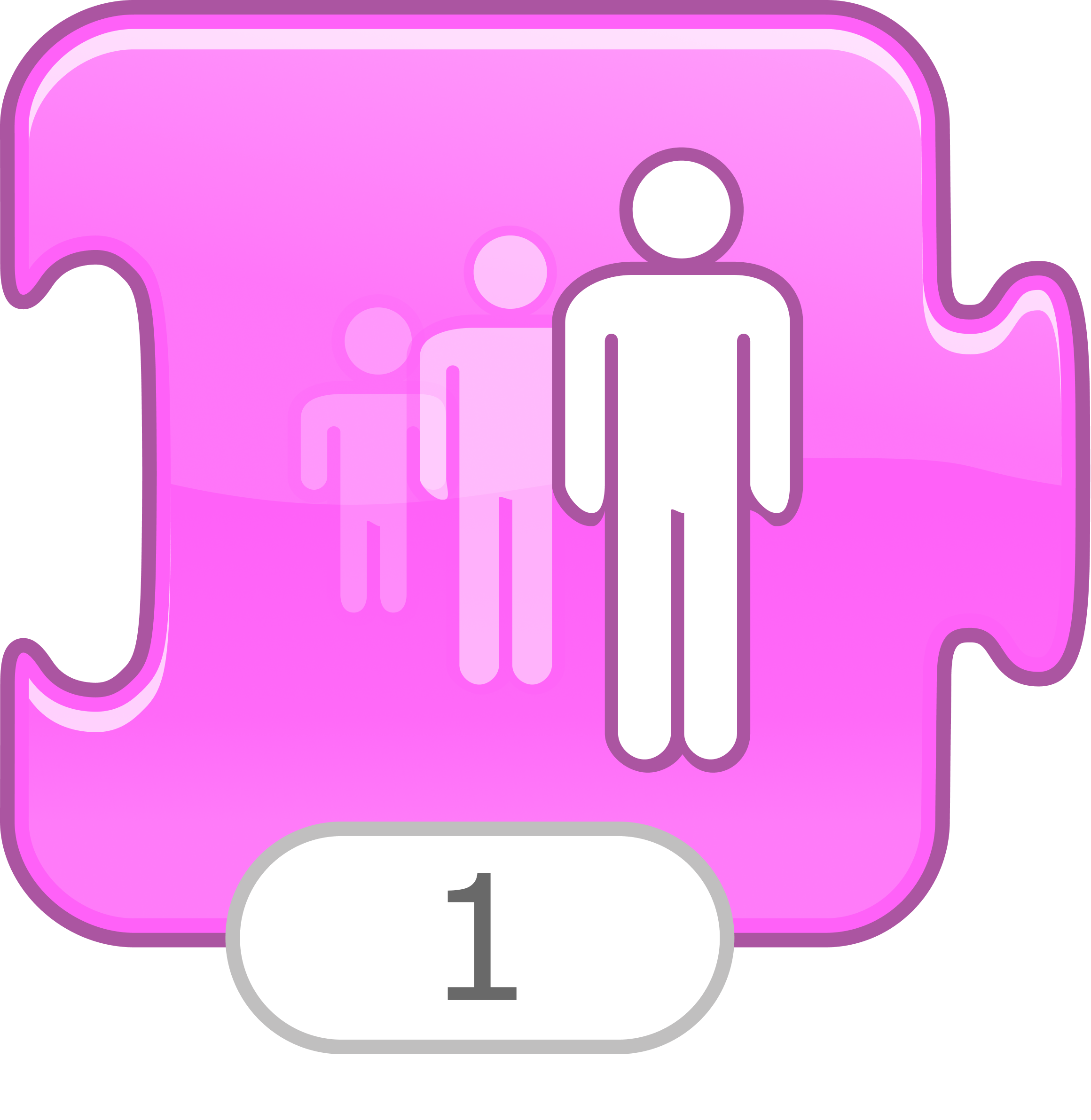
Grow
Increases the character’s size.
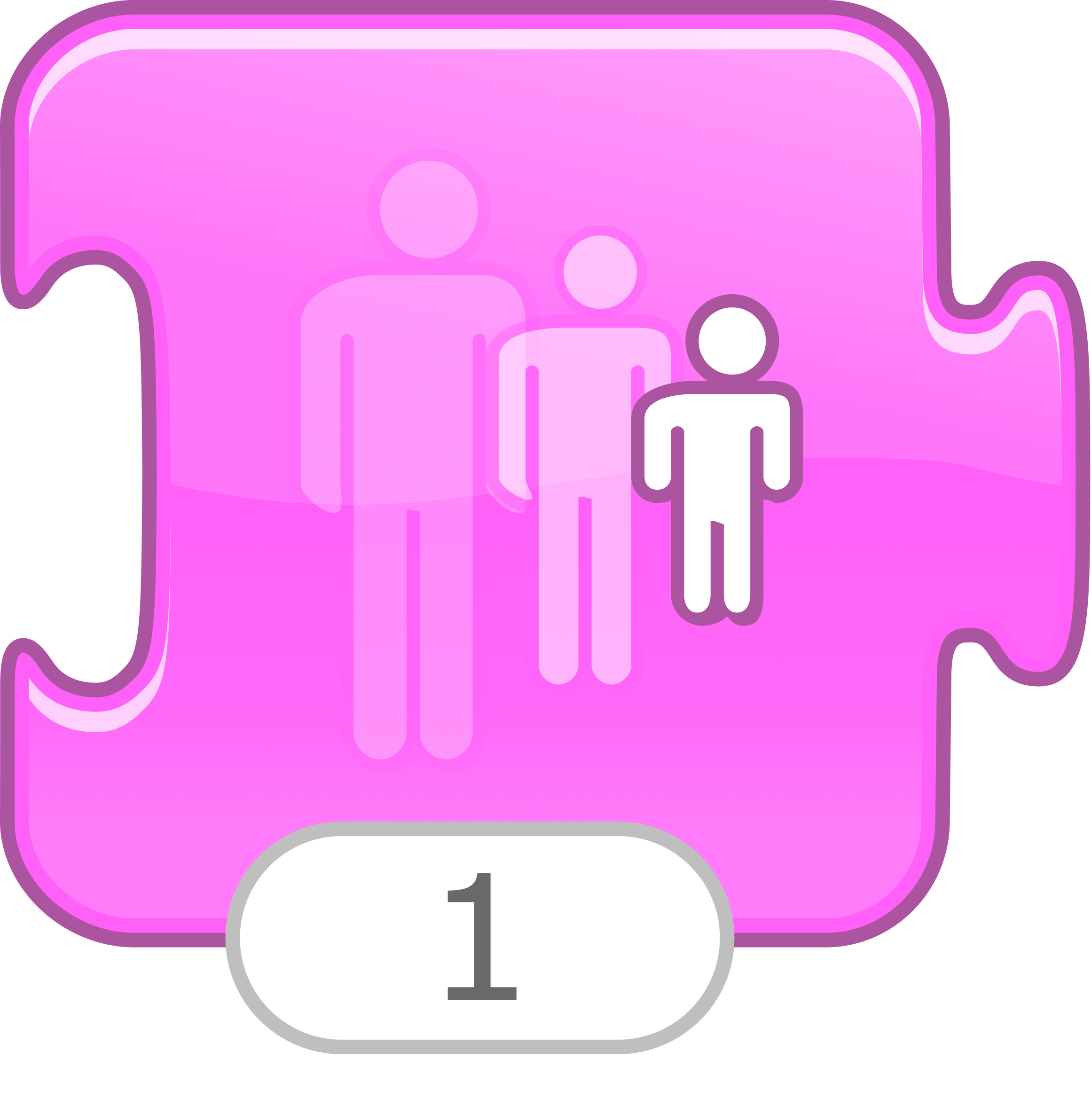
Shrink
Decreases the character’s size.
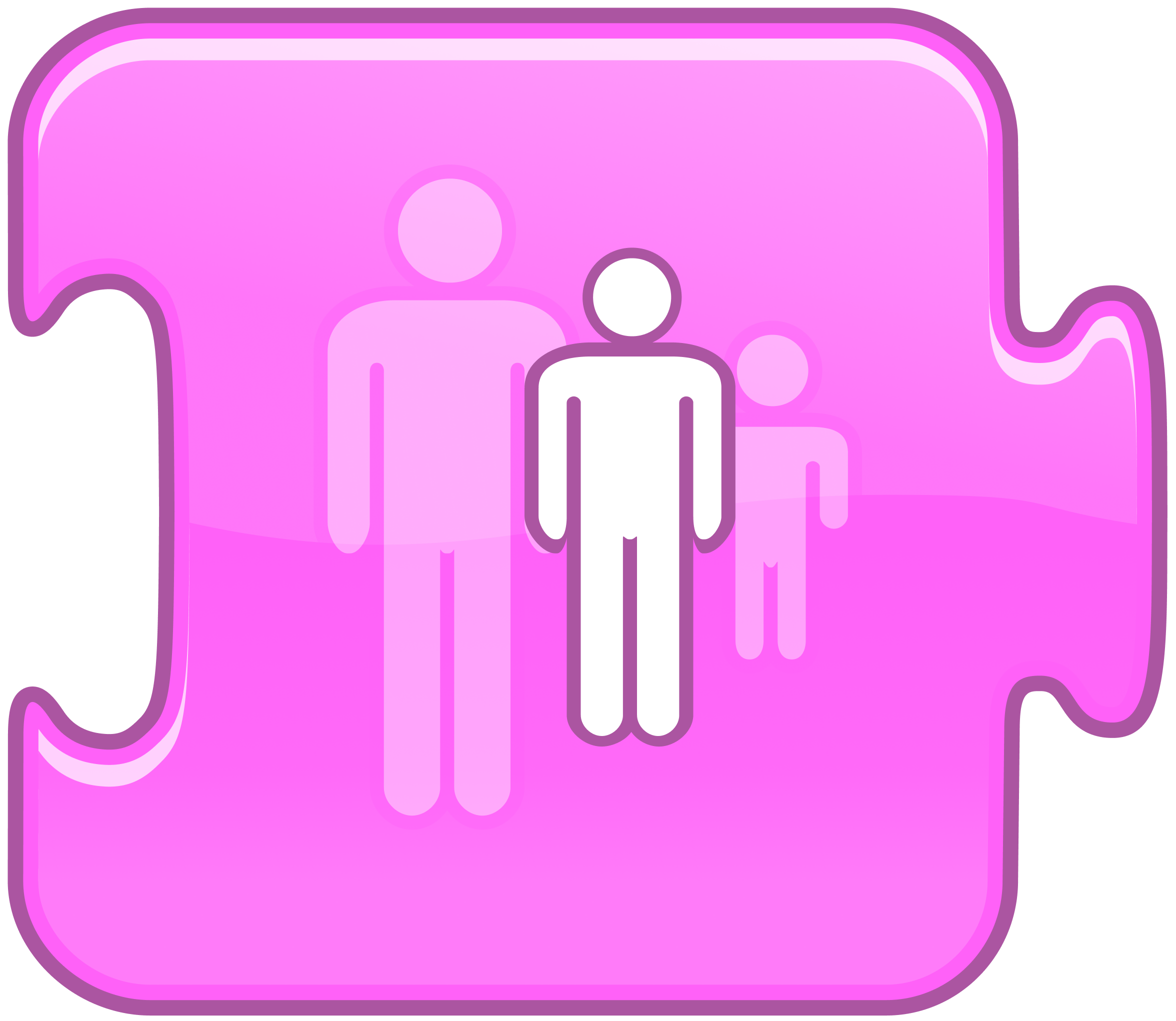
Reset Size
Returns the character to its default size.
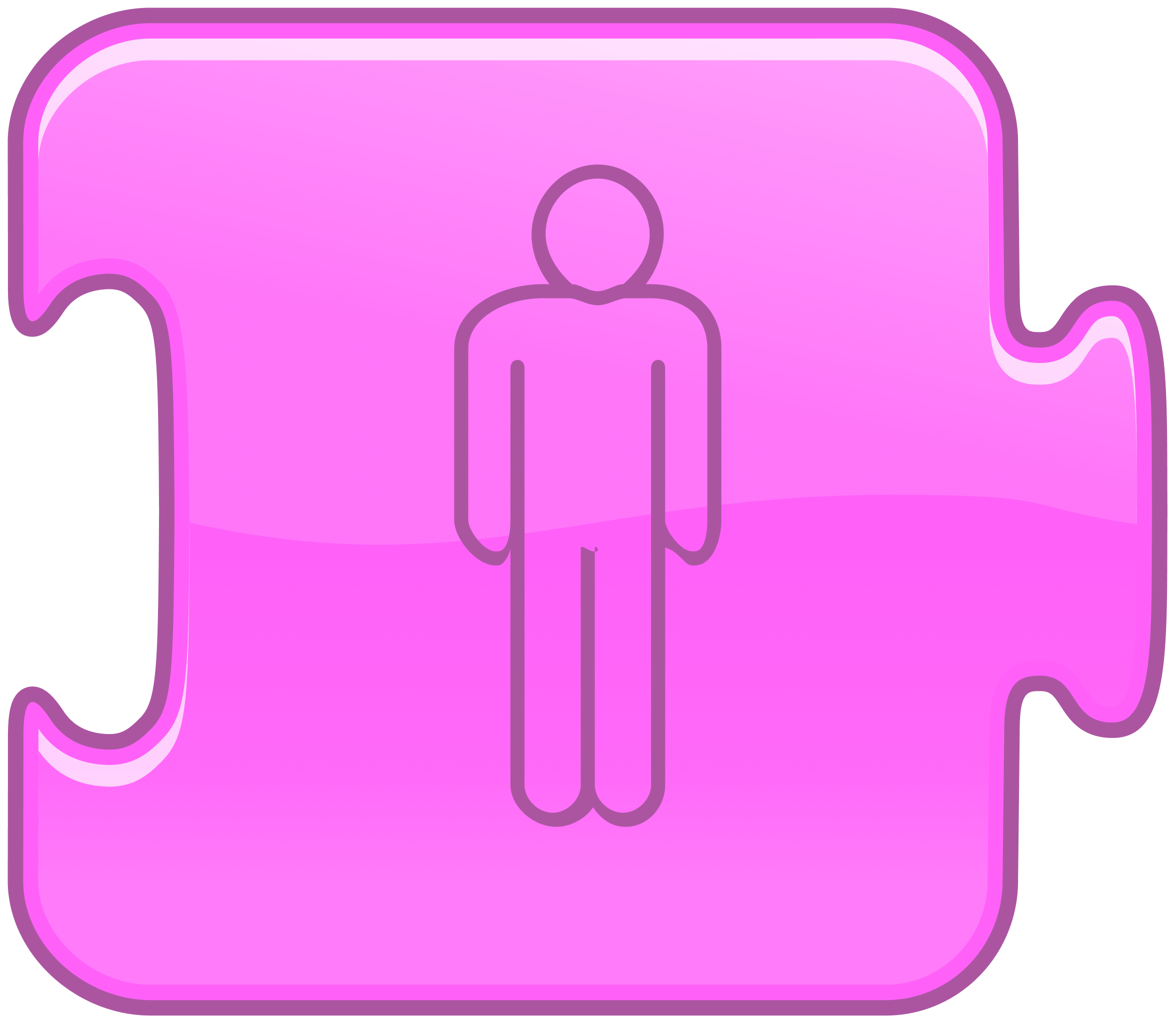
Hide
Fades out the character until it is invisible.
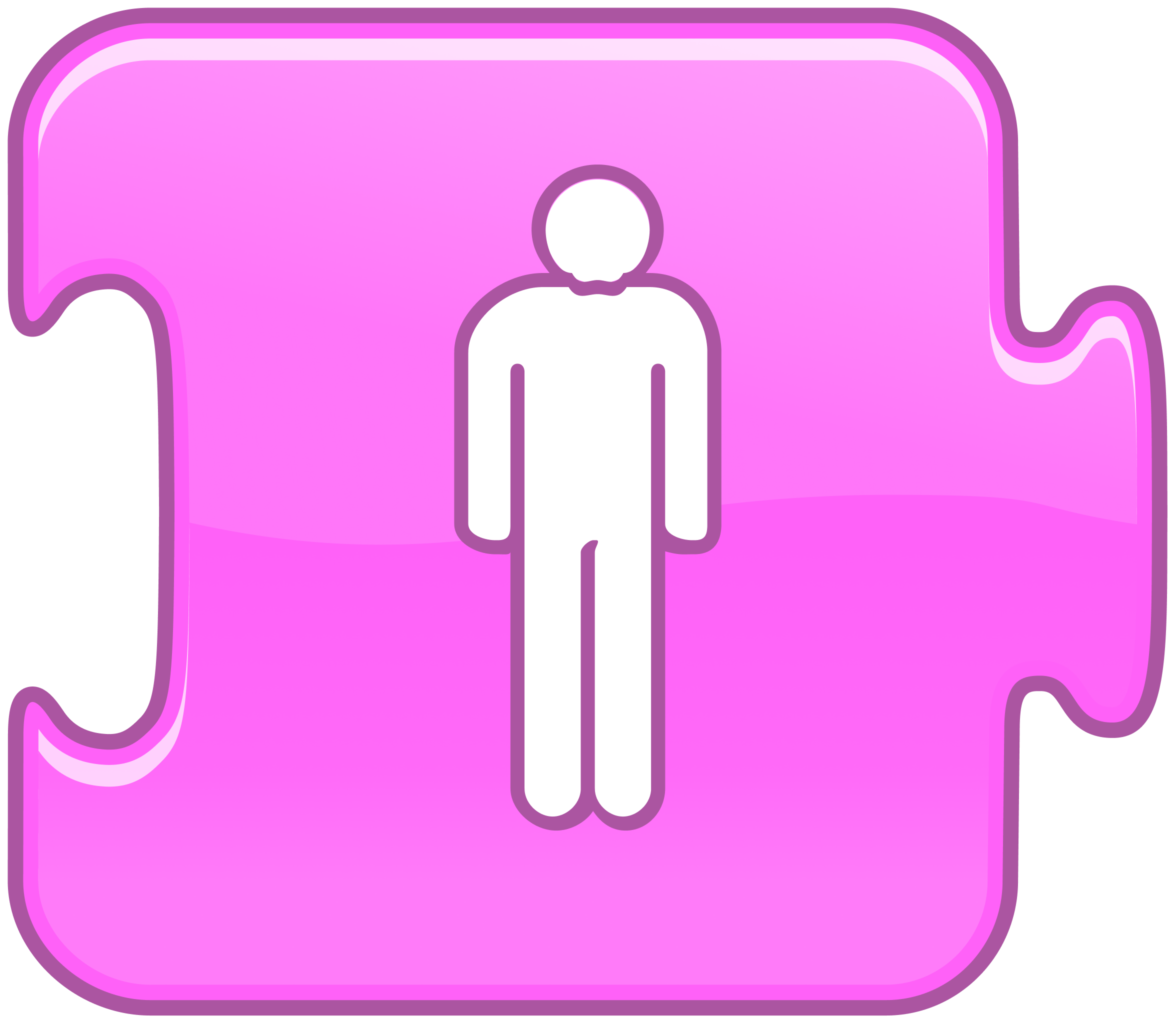
Show
Fades in the character until it is fully visible.

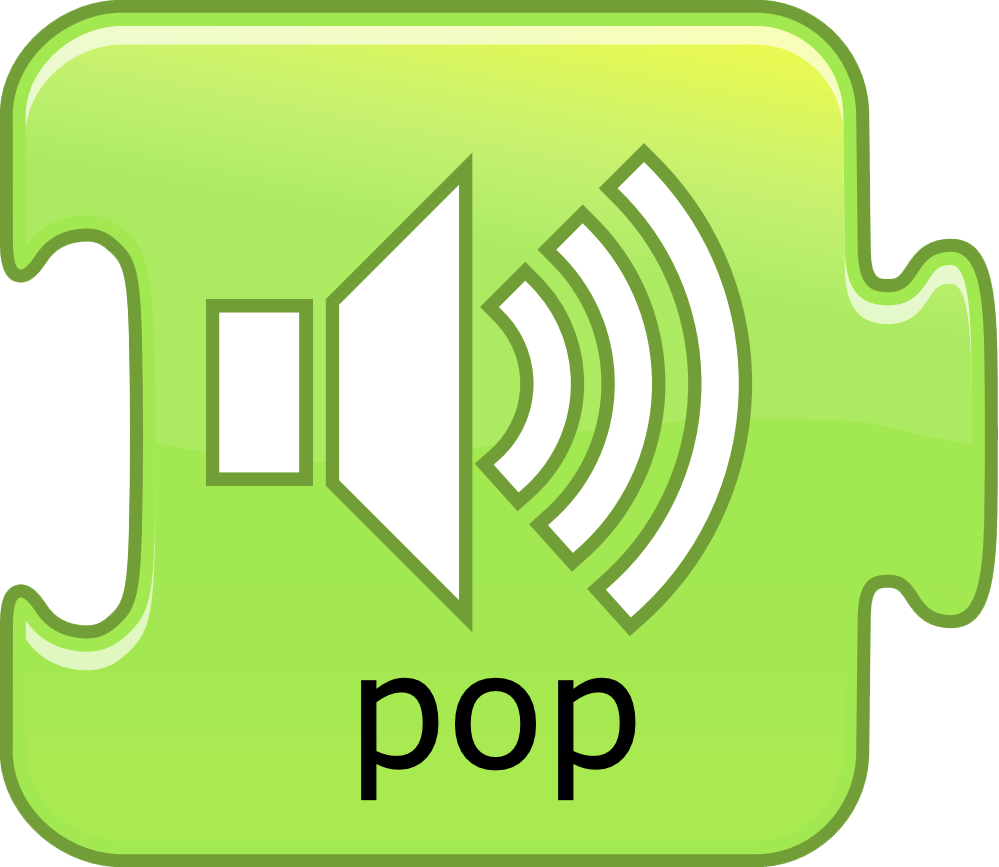
Pop
Plays a “Pop” sound
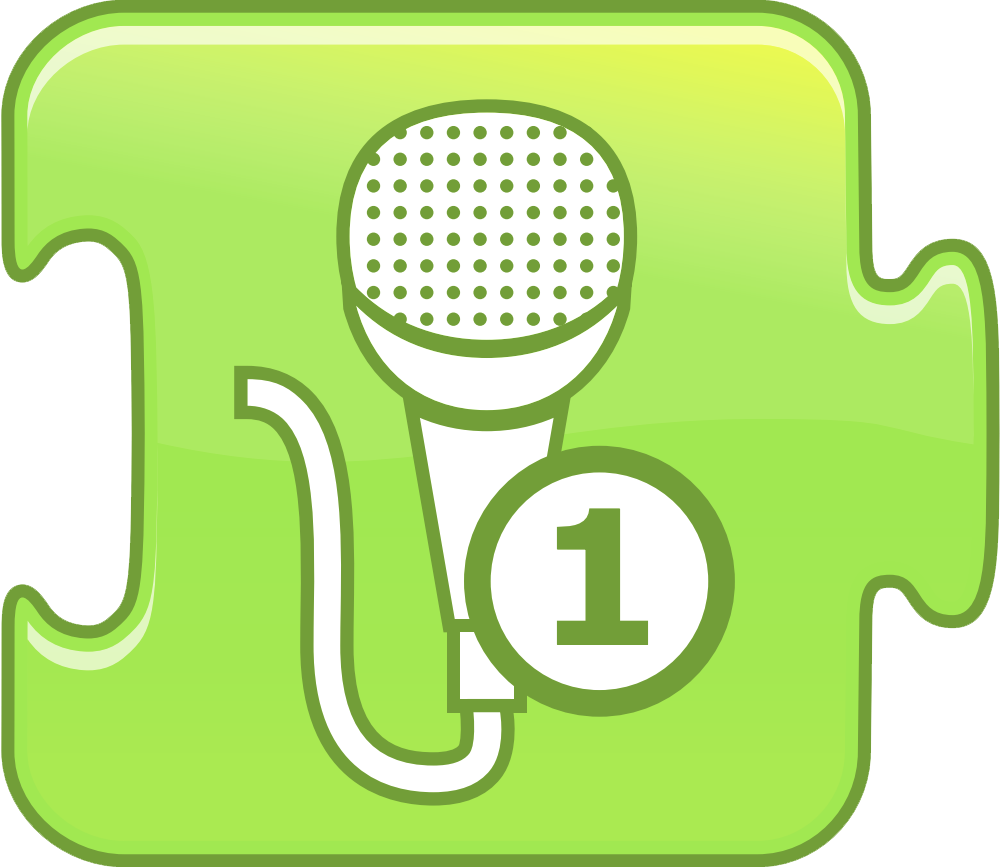
Record User Sound
Plays a sound recorded by the user.

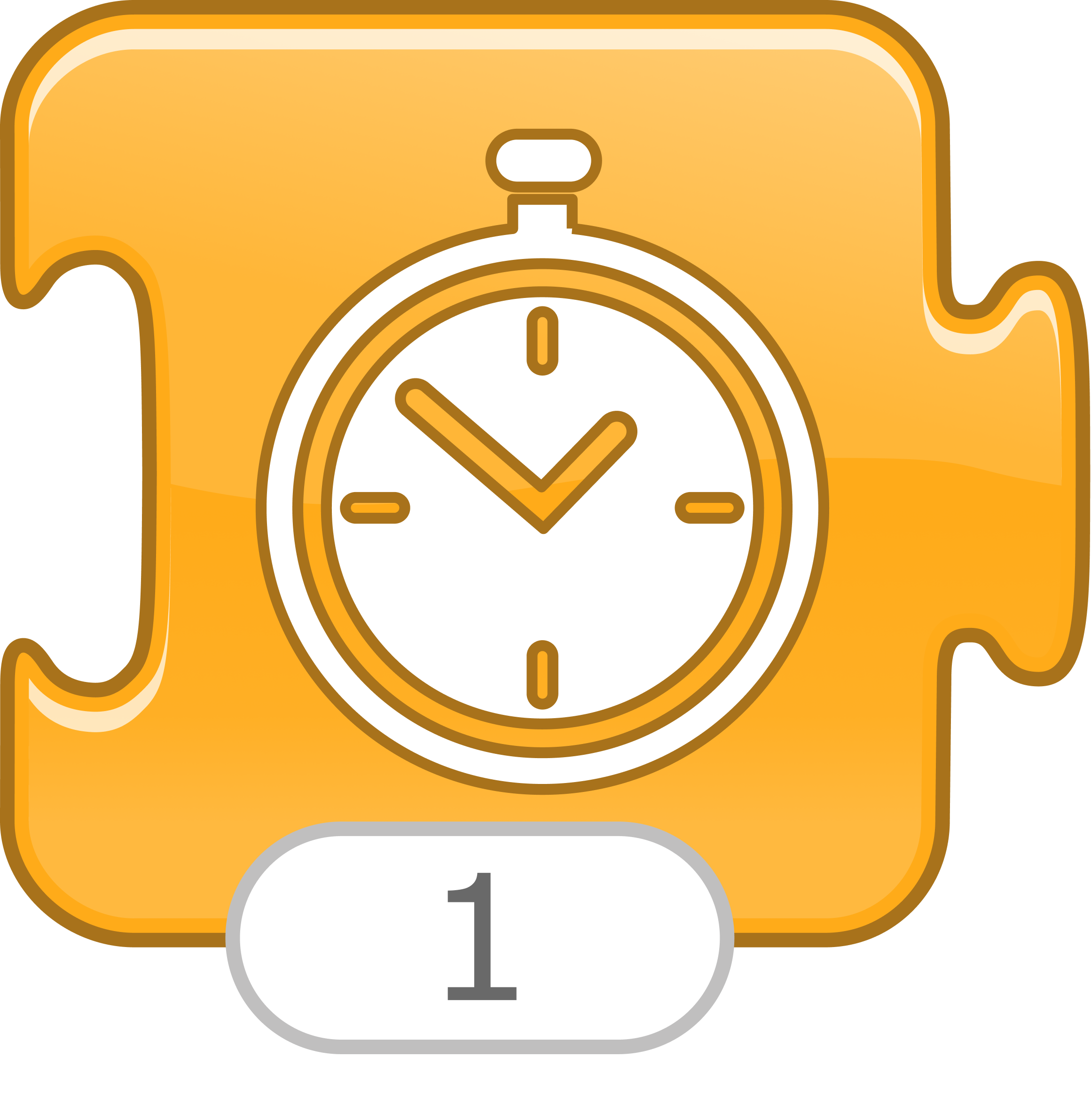
Wait
Pauses the script for a specified amount of time (in tenths of seconds).
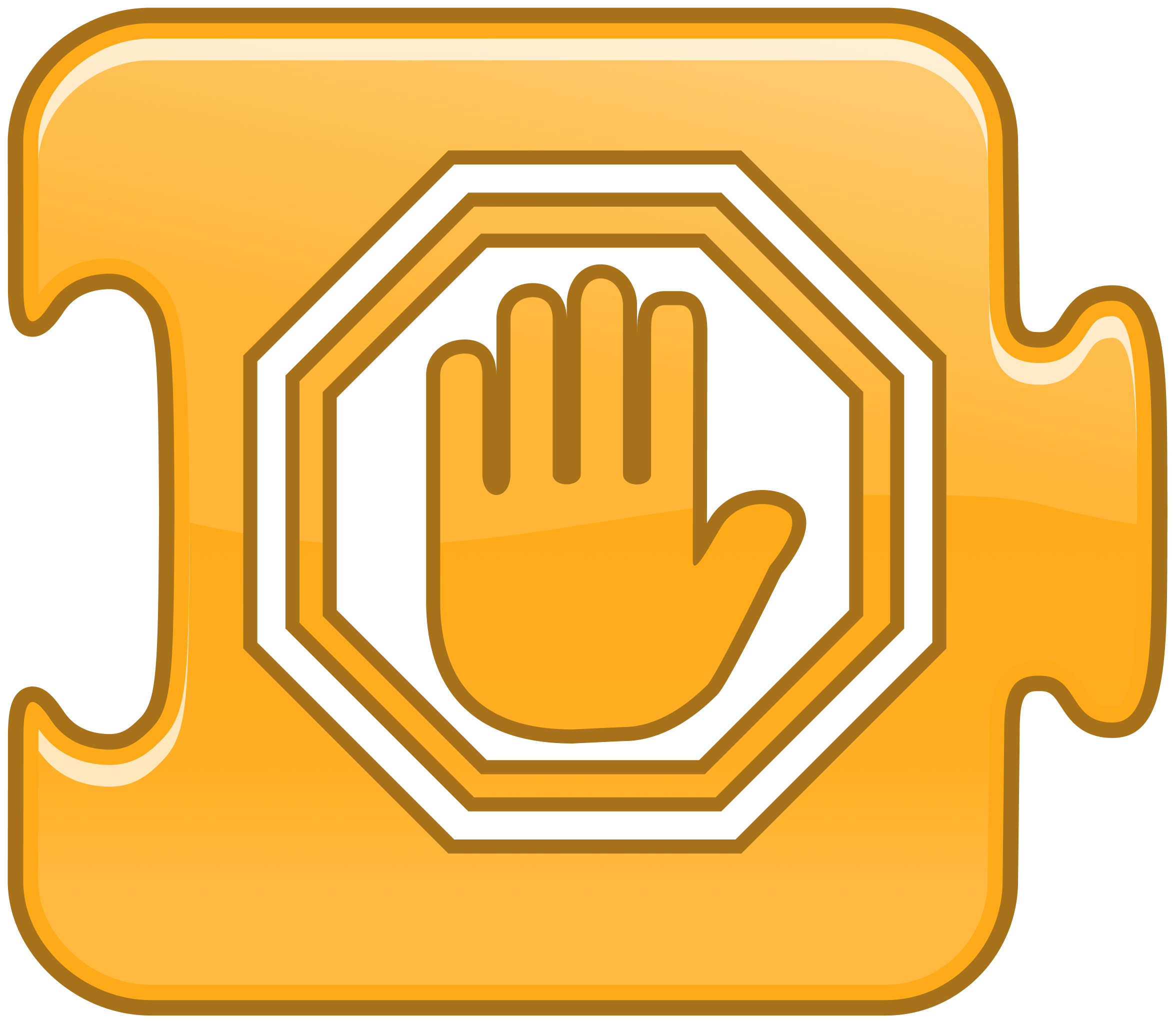
Stop
Stops all the characters’ programs.
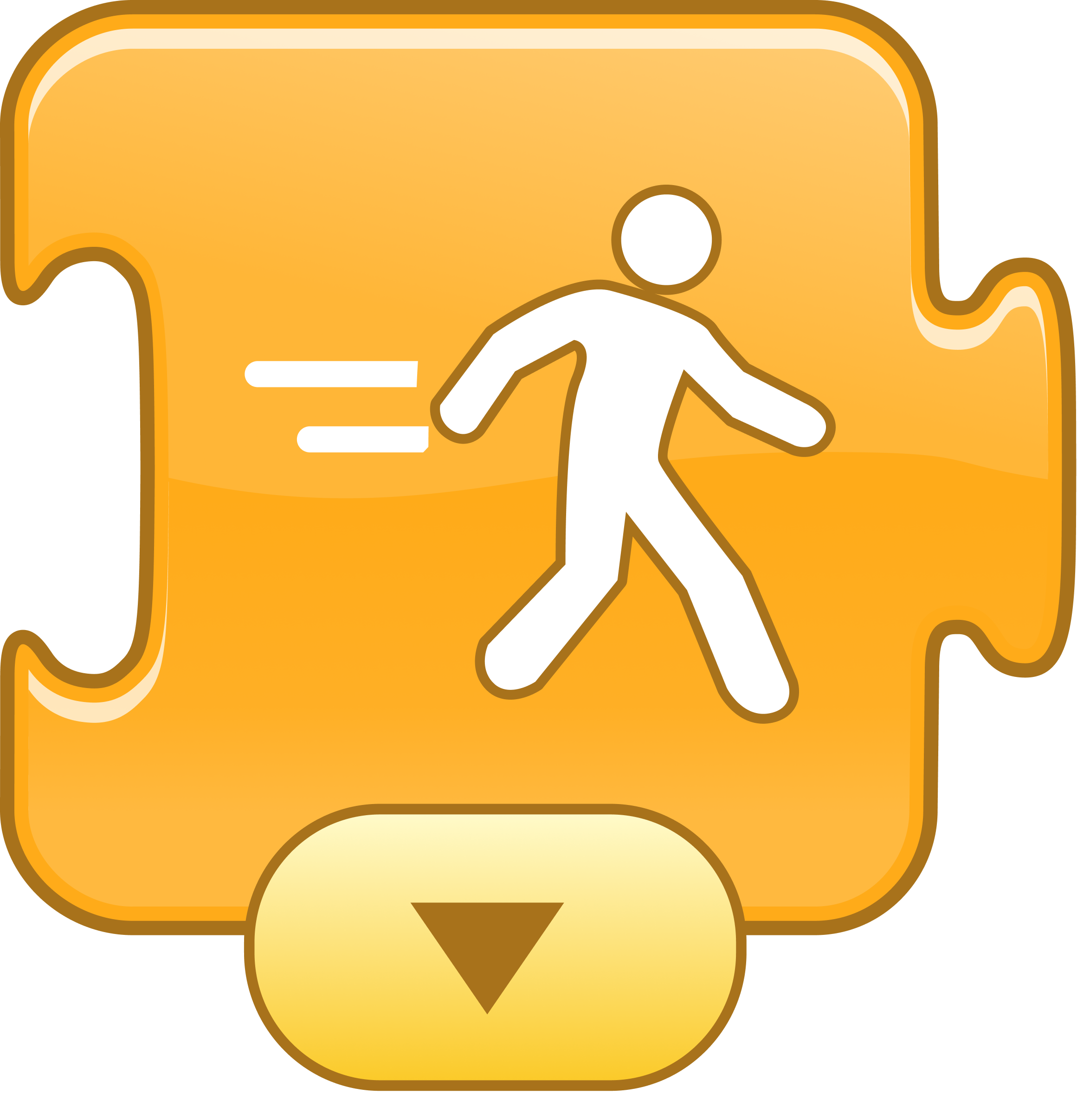
Set Speed
Changes the rate at which certain blocks are run.
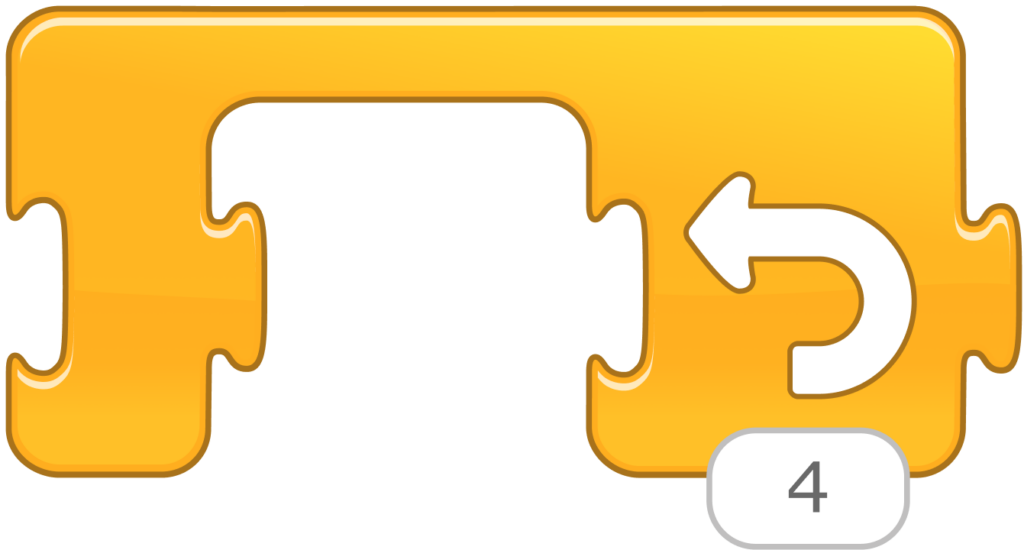
Repeat Loop
Runs the blocks inside a specified number of times.


End
Indicates the end of the program (but does not affect the program in any way).

Repeat Forever
Runs the program over and over.
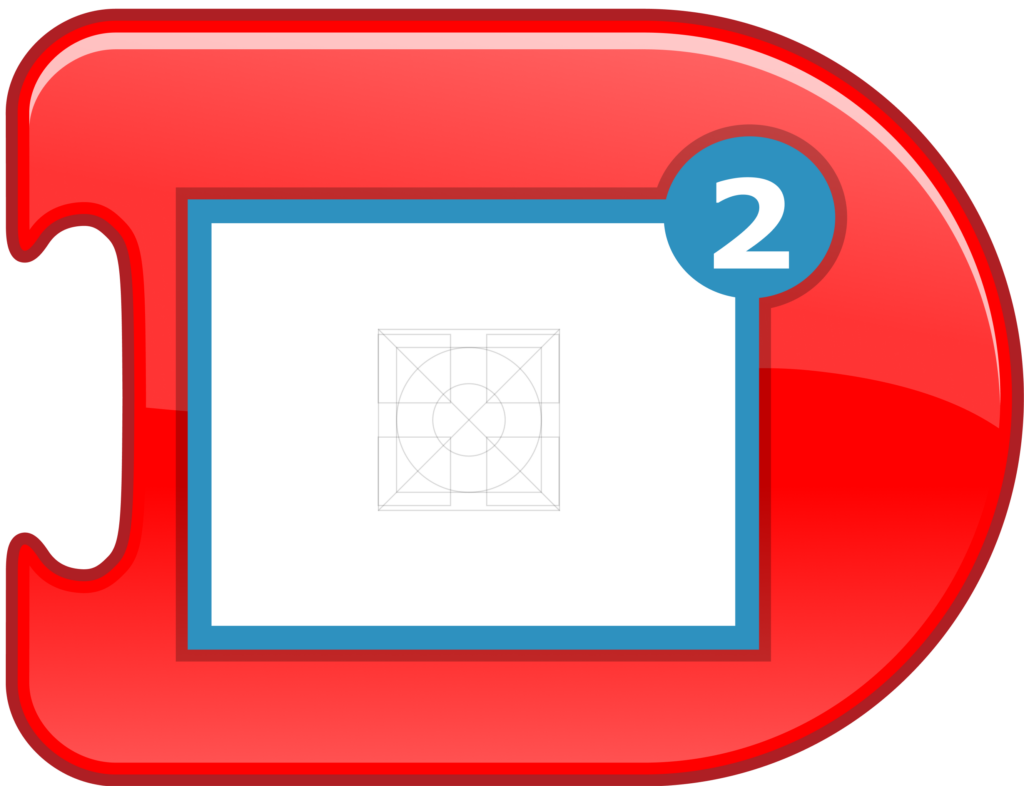
Go to Page
Changes to the specified page of the project.